GROW EMAIL SUBSCRIBERS
“Customers register their products, but we can't legally email most of them.”
Turn product registrations into email subscribers
Warranty registration gives you permission to run the warranty, not to send marketing. Dyrect adds a separate, unticked opt-in to your registration form, saves each customer's consent and syncs opted-in registrants to your email tool, so every sign-up can grow a list you can legally email.
Read the full guide →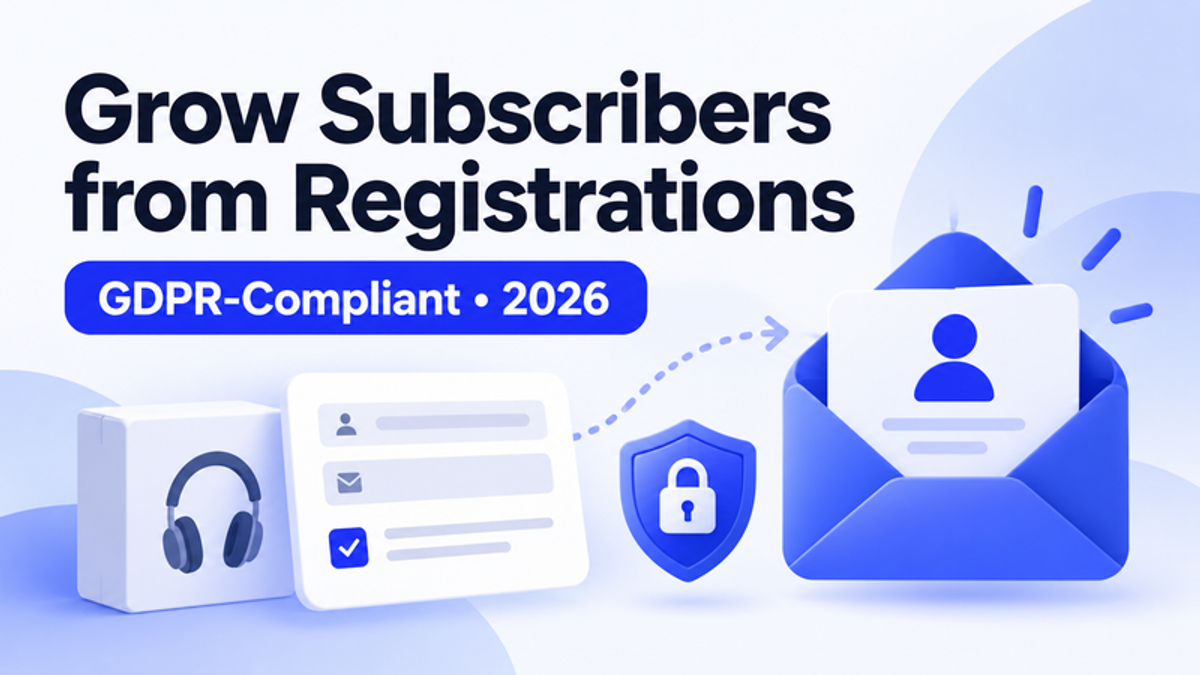
How Dyrect solves it
Two permissions, one registration form
Warranty emails go to everyone who registers. Marketing goes only to those who tick the box.

 Klaviyo
 HubSpot
What changes with Dyrect
Registrations today
- Warranty and marketing share one checkbox
- Pre-ticked boxes give no valid consent
- Contacts reach your email tool by CSV, weeks later
- Every registrant gets the same generic emails
With Dyrect
- Marketing consent is its own unticked box
- Consent status is saved with every registration
- Opted-in registrants sync as soon as they register
- Welcome flows branch by product line
A closer look at each step
1. Add a separate, unticked opt-in
Keep marketing consent apart from the warranty fields. Dyrect's form builder adds an optional email or SMS opt-in that starts unticked, so customers who skip it still register and still get their digital warranty card.
 Register your productApex Air Purifier 500
2. Save consent with every registration
Each registration saves the customer's consent status next to their product, serial number and purchase channel. Your team can see at a glance who can receive marketing and who should only get warranty emails.
3. Sync opted-in registrants to your email tool
Opted-in registrants reach Klaviyo, Mailchimp, Omnisend, HubSpot and more through ready-made integrations, or tools like eSputnik through webhooks, the REST API or CSV. Each contact carries the product and purchase channel for segmenting.
New registration
- Product
- Apex Air Purifier 500
- Serial
- APX-7F3K-9L2M
- Bought from
- Retail store
- Marketing
- Opted in
KlaviyoSyncedHubSpotSynced4. Start a welcome flow that fits the product
Every registrant gets their digital warranty card from Dyrect. In your email tool, opted-in contacts can then start a short welcome sequence branched by product line: setup tips first, care guides next, offers later.
Synced from Dyrect
- Product
- Apex Air Purifier 500
- Consent
- Email opt-in
- Segment
- Air purifier owners
Welcome flow in your email tool
Quick answers
No. Registration lets you run the warranty, such as sending the warranty card and coverage reminders. Promotional emails need their own permission, so add a separate, optional opt-in to the registration form.
No. The EU Court of Justice ruled in Planet49 that pre-ticked boxes do not give valid consent. The box has to start empty and the customer has to tick it themselves.
Say which messages they will get, from whom and on which channel, for example: "Send me product tips, new releases and offers from [Brand] by email. Unsubscribe anytime." Give SMS or WhatsApp their own box if you plan to use them.
Yes. Marketing consent and warranty coverage are separate, so unsubscribing leaves the warranty, the digital warranty card and coverage reminders active.
Dyrect has ready-made integrations with Klaviyo, Mailchimp, Omnisend and HubSpot. Other tools, such as eSputnik, can receive the same data through webhooks, the REST API or a CSV export.
With a native integration or a webhook, each opted-in registrant reaches your email tool moments after submitting the form, so the welcome email can arrive while the product is still on the table. CSV exports move contacts in batches.
Yes. Warranty confirmations, coverage reminders and safety notices are service messages, so every registrant can receive them. Keep them free of offers, because promotional content turns a service email into marketing.
Only those who ticked a valid opt-in. Emailing everyone else to ask for consent counts as marketing in itself, so offer the opt-in where they already interact with you, such as the customer portal.
Double opt-in is the safe standard for German registrants. Send a confirmation email right after registration, keep it free of advertising, and add the contact to marketing lists once they click the link.
Yes, when they opt in on your registration page. Their details never reach you through the marketplace or store, so registration is the moment they choose to share them, and explicit opt-in is the safer route for them.
Other goals brands reach with Dyrect
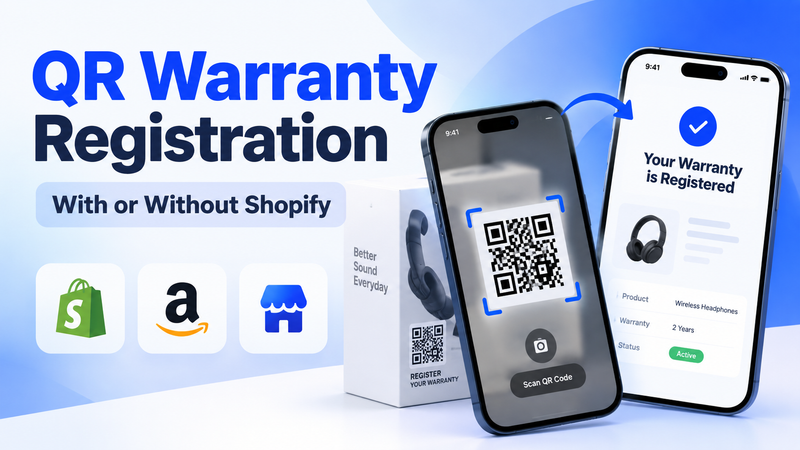
“We add registration cards to every box and almost nobody fills them in.”
Learn more →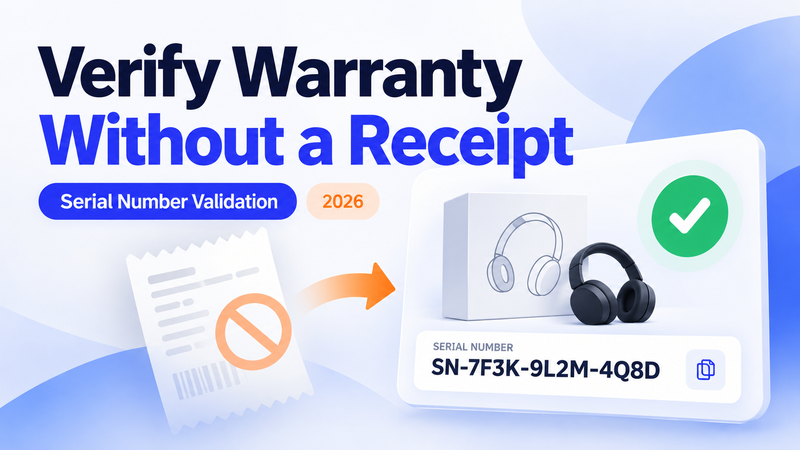
“We keep paying out claims on products we can't verify were ever bought from us.”
Learn more →
“Warranty claims live in our inbox and take weeks to resolve.”
Learn more →